01 / KNOW WHAT’S NEXT
Ahead of the reset.
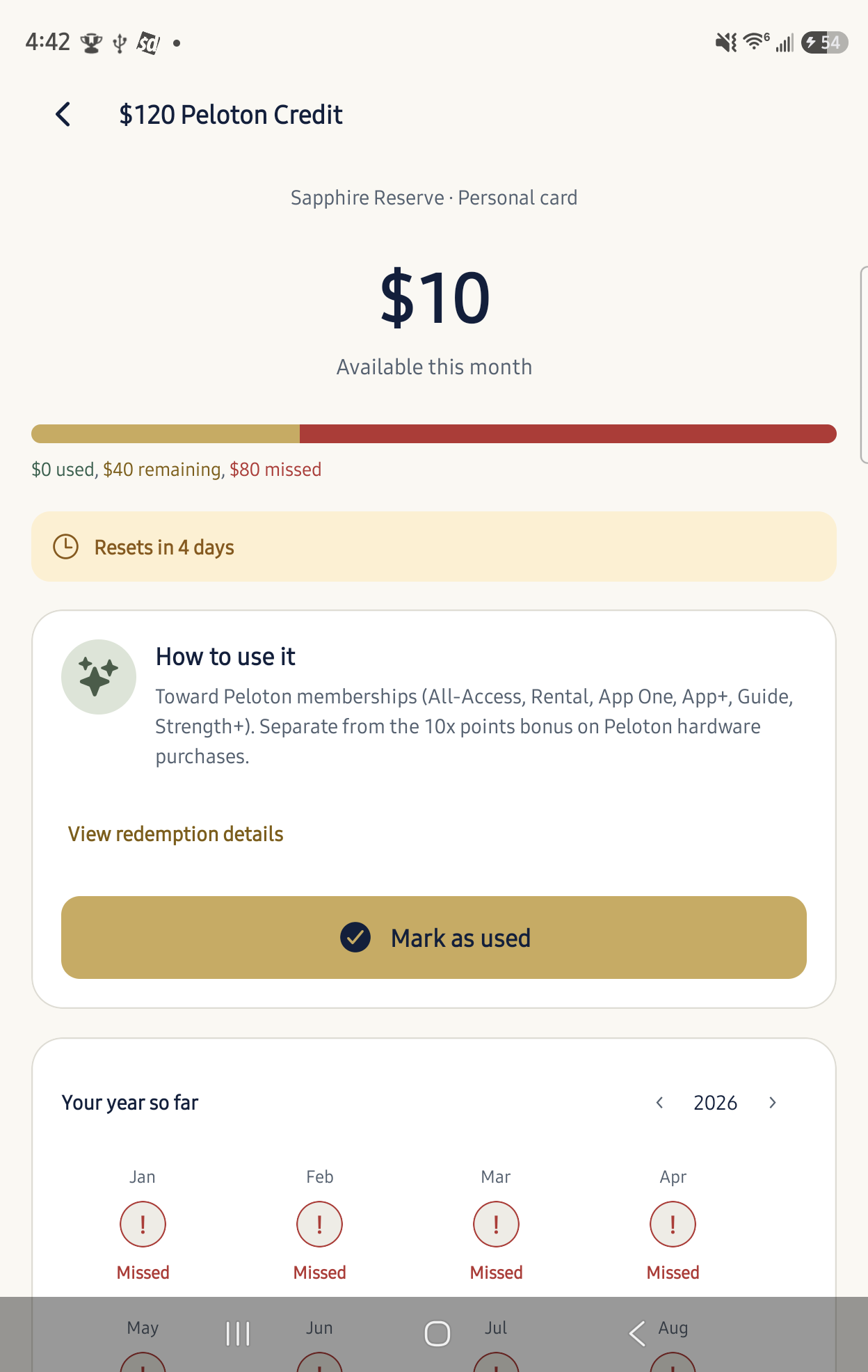
Keep approaching deadlines in view with clear, color-coded countdowns.
Your wallet. More possibility.
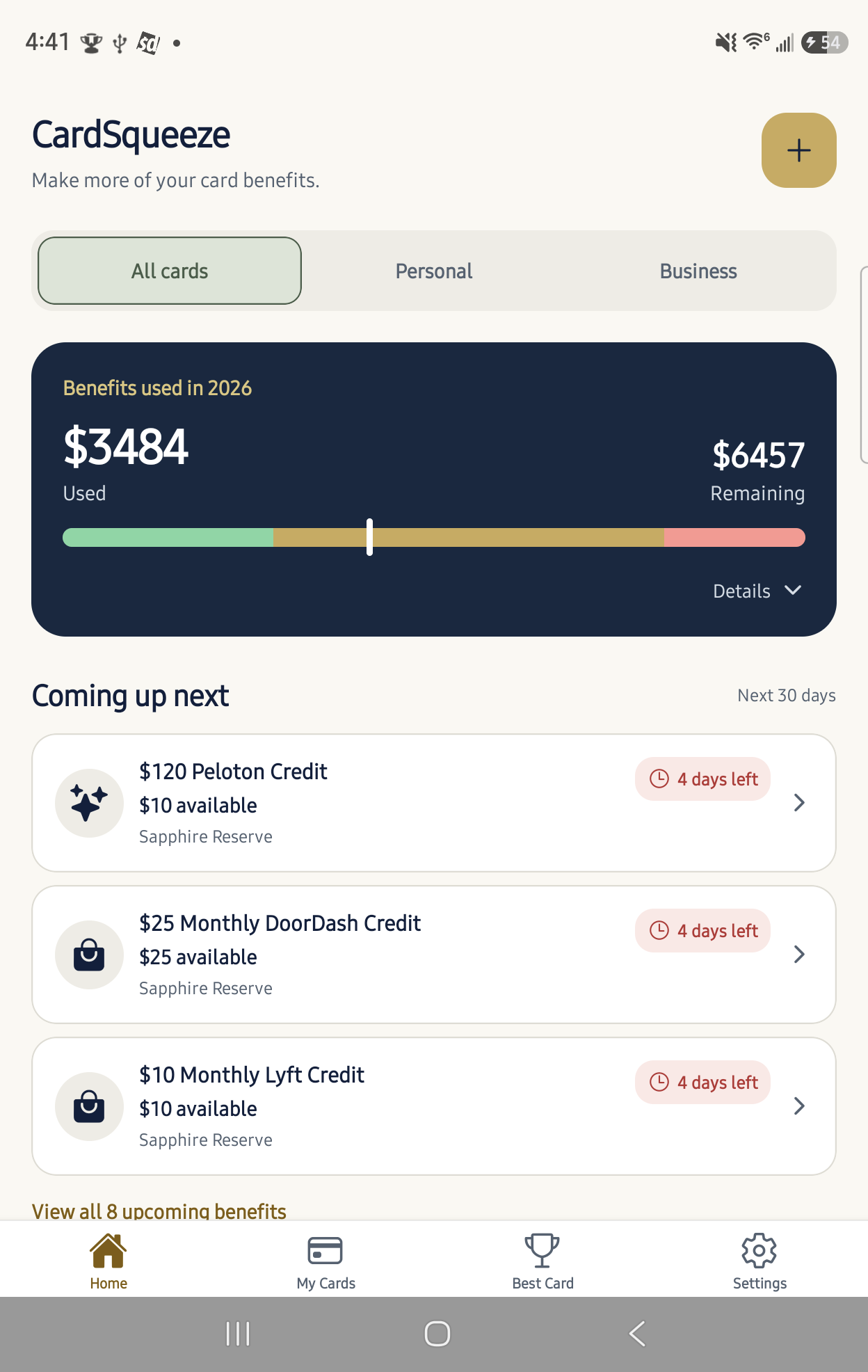
Keep your credit card benefits in view. Know what’s available, what’s coming up, and how much value you’ve used.
Your first two cards are free. No bank login required.
How it works
A simple routine for the benefits you already have.
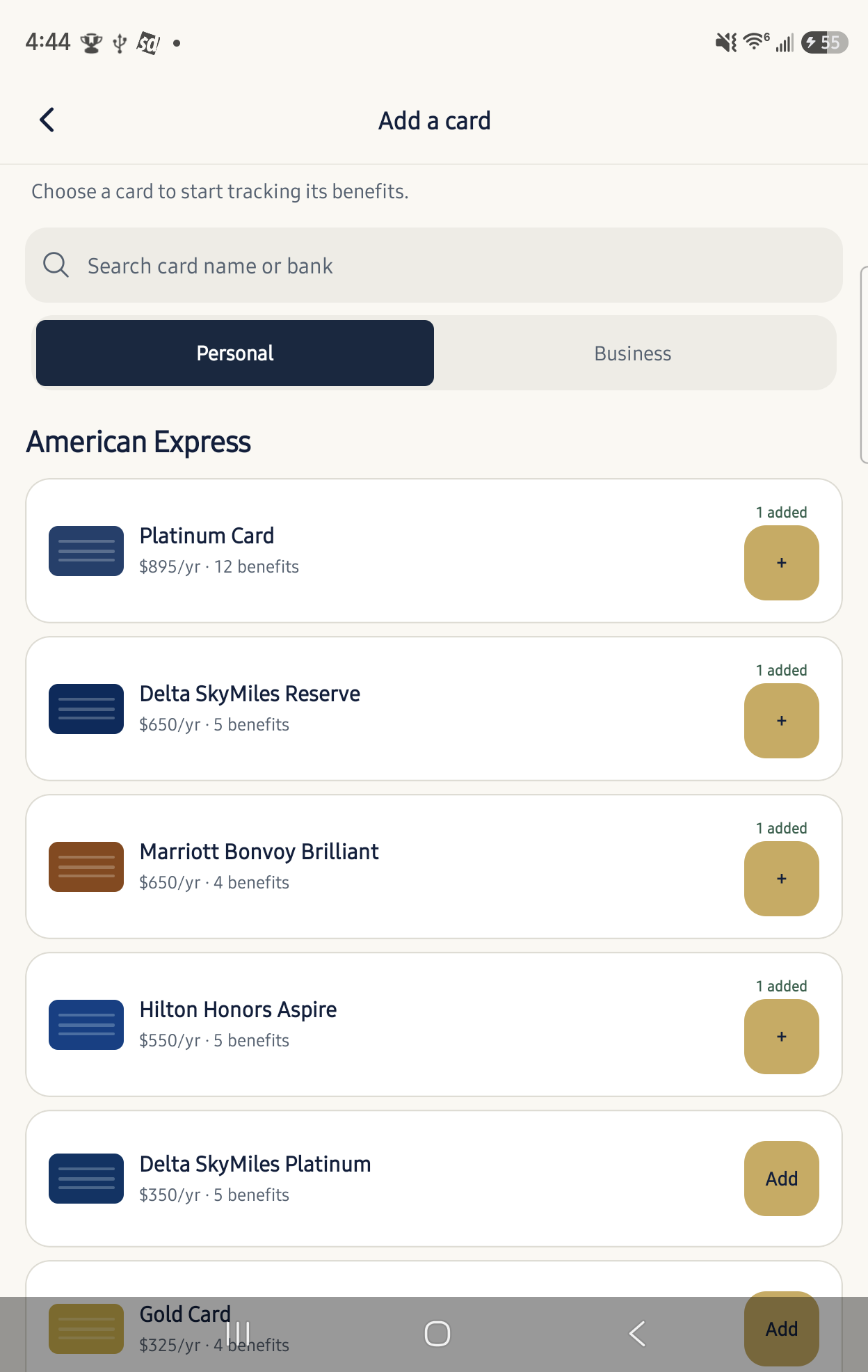
Find your personal or business cards. No bank login required.
See what’s available and mark benefits as used as you go.
Enable notifications in Settings and choose your reminder preferences.
See how much benefit value you’ve used and your progress toward covering annual fees.
A little clarity goes a long way
From a monthly dining credit to an annual travel perk, give every benefit a place in your routine.
Keep approaching deadlines in view with clear, color-coded countdowns.
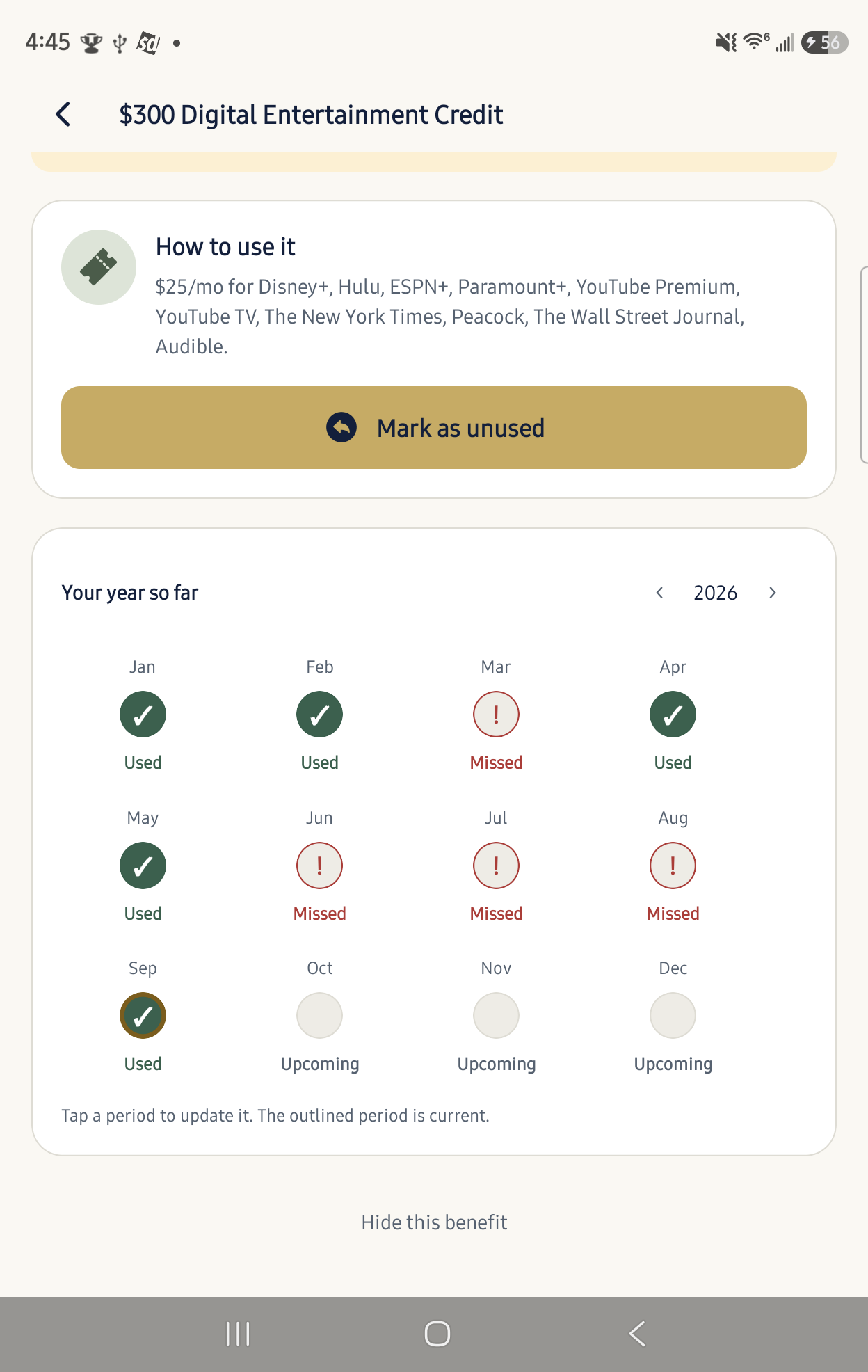
Revisit earlier months and see used, remaining, and missed benefits across the year.
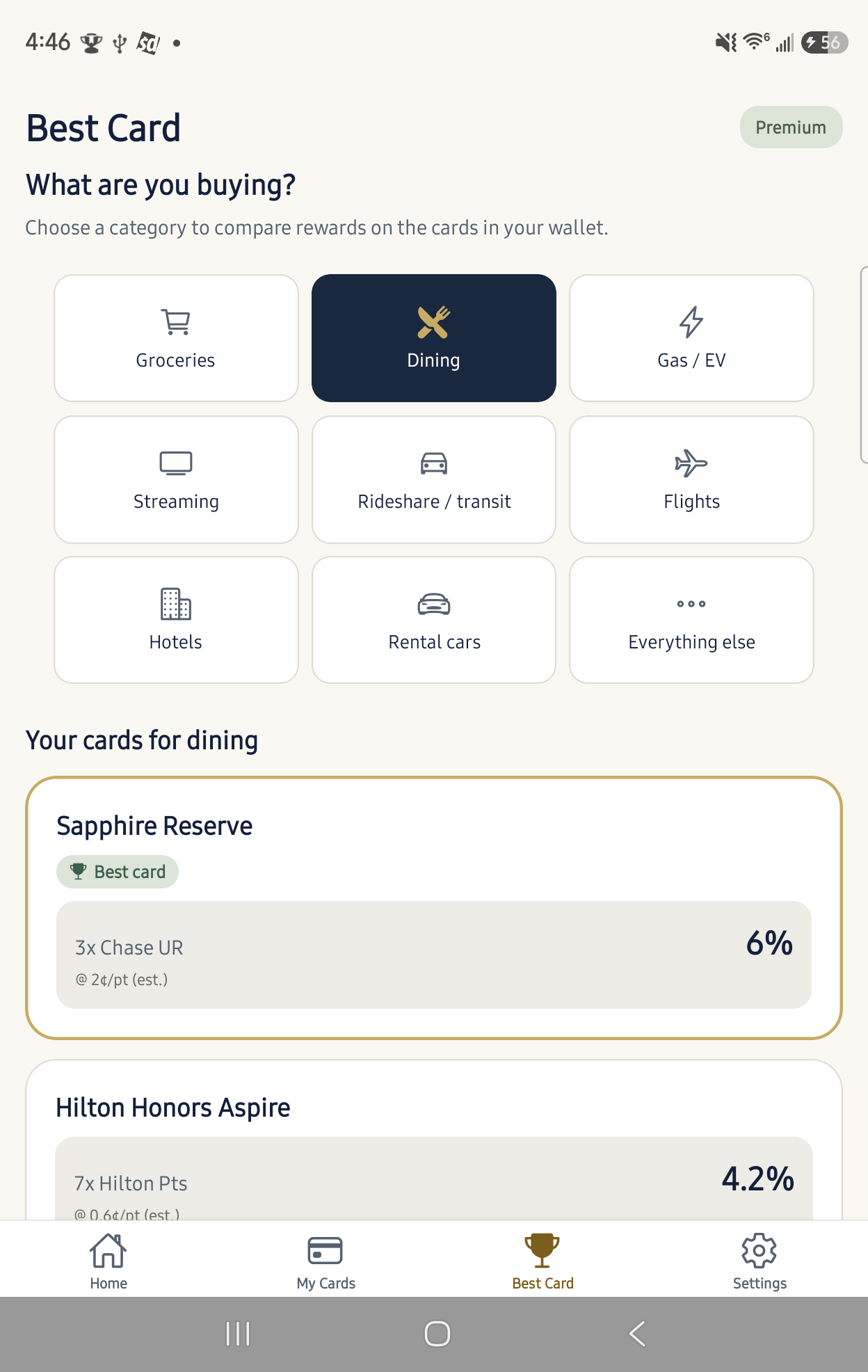
Compare rewards by spending category with the Best Card recommender, included with Premium.
Put the annual fee in perspective
Compare the benefits you’ve marked as used with each card’s annual fee. A clear break-even marker helps you see where you stand.
Check individual cards or view the total across your wallet.
Illustrative example. Progress reflects benefits you record.
Start with the cards in your wallet
Explore supported personal and business cards from familiar issuers. Find your card and see the benefits you can track.
Explore supported cards →Room for your wallet to grow
A clearer view of your first two cards.
For a bigger wallet and more informed choices.
See current pricing and subscription terms in the app.
Good questions. Clear answers.
No. Choose your cards from the catalog and record the benefits you use. CardSqueeze does not need bank credentials or credit card numbers.
No. You mark benefits as used yourself. You can also update earlier periods to complete your history.
Yes. Track up to two cards for free, including benefit history, reminders and annual-fee progress. Premium adds more cards and the Best Card recommender.
Enable notifications in Settings. For annual and six-month benefits, choose 7, 14 or 30 days before reset, including multiple intervals. Monthly benefits use 3 days; quarterly benefits use 7 days. Reminders cover unused, visible benefits. Open the app regularly to keep upcoming periods scheduled.
Yes. Add each card separately and give it a nickname so you can keep its benefits and history distinct.
More questions? Browse FAQ & Support →
From the people behind CardSqueeze
Explore tools and guides from Havenstone Finance ↗ for the questions beyond your wallet.
Make a little more of what you already have
Add your first two cards for free.